Guide
Follow simple steps to play videos, adjust settings, and fix buffering issues.
Last updated:

Many users in India face problems while streaming. Videos buffer during playback, and new apps can feel hard to navigate. This FlixFox app guide helps you understand how to use FlixFox app for a smoother viewing experience.
The FlixFox app solves these issues with a simple design and fast loading. The FlixFox streaming platform works well even on mobile data, making it useful for users with slower connections. Navigation is simple, so you can find content quickly without confusion.
Once you open the FlixFox app for the first time, setup takes only a few seconds. This FlixFox streaming guide helps you get started without any complex steps or forms.
Start by opening the installed app on your device. When you launch it, allow basic permissions like storage access so the app can load content smoothly.
After this, you will reach the home screen, which shows trending content, category tabs, and a search bar. You can tap any title to open its detail page or use the search bar to find a specific movie or show. No login or signup is needed — you can start watching immediately.
Streaming is simple and quick. This section shows how to stream movies on FlixFox app in a few easy steps.
The FlixFox app works best on mobile devices. You can easily use FlixFox app on Android, as it is designed for smooth touch interaction. You can scroll, search, and play videos without difficulty. It also runs well on older phones, making it a reliable option for daily streaming.
You can use the FlixFox app on TV for a bigger screen experience. It works on Android Smart TVs and Android TV boxes. The layout is simple and easy to use with a remote. Users can browse content, pick movies, and start watching without trouble. This makes it good for watching with family on a large screen.
Note: FlixFox APK works only on Android-based Smart TVs and Android TV boxes. Samsung TVs (Tizen) and LG TVs (webOS) do not support direct APK install.
The FlixFox streaming platform does not have a direct PC version. To use it on a computer, you need an Android emulator such as BlueStacks, NoxPlayer, or LDPlayer. These tools create a virtual Android environment, allowing you to run the app smoothly on a larger screen.
This feature is available for Premium users. Find the download option on the content detail screen, select your preferred quality, and the file will be saved to your device. This is useful when your connection is slow or unavailable, and it also helps save mobile data during travel or commutes.
You can improve performance and fix FlixFox app buffering issues with a few simple steps. These adjustments help videos play smoothly.
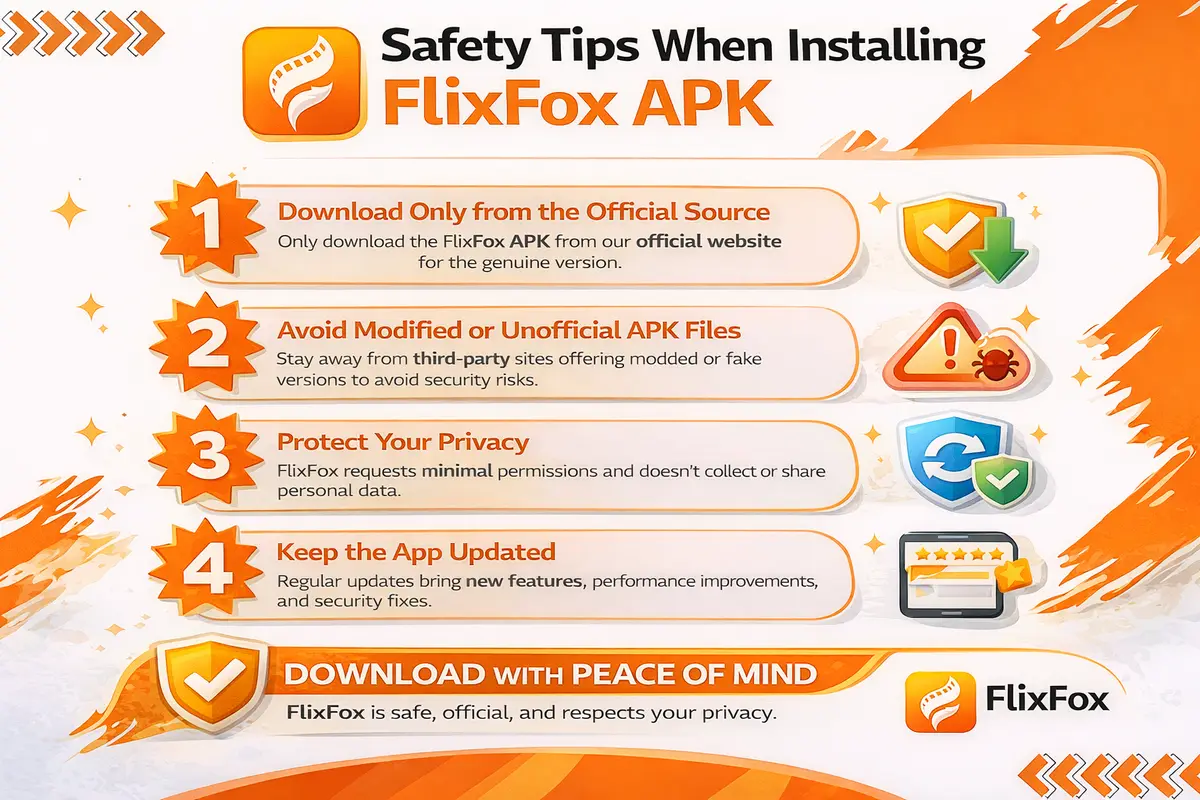
While using the FlixFox app, some playback issues may appear. These problems are usually easy to fix and do not require technical steps. This section helps you fix FlixFox app buffering issues and improve overall performance.
One common issue is video buffering. This happens when internet speed is low or unstable. To fix this, reduce the video quality in the player settings. Adjusting FlixFox app playback settings helps the video play smoothly without pauses.
If the video does not load, check your internet connection and try again. App freezing is usually caused by too many background processes — close unused apps and restart FlixFox to restore normal performance.
Start using the FlixFox app today and enjoy smooth streaming without delays. Just launch the app and begin watching your favorite movies and shows instantly.
Download and open the FlixFox app now to start streaming in minutes. Users in India can enjoy a simple, hassle-free experience on the FlixFox streaming platform.